

Smart home devices genuinely change how much you get done each day. Remote workers lose an average of more than 112 hours per year due to home office inefficiencies, manual adjustments, and ambient distractions. The role of smart home devices in productivity is straightforward: they automate your environment so your mental energy goes toward actual work, not managing your surroundings.
Research from Newcastle University confirms that perceived productivity in smart home offices depends heavily on control over environmental conditions. When you master your space, your well-being and output both rise.
Here is what these devices actually do for you:
- Automate your environment so lighting, temperature, and audio adjust without manual input
- Reduce distractions by silencing devices and managing network access during focus sessions
- Offload reminders and scheduling through voice assistants and smart displays
- Signal work and rest transitions through physical cues like lighting changes
- Save energy indirectly, freeing cognitive bandwidth from micro-decisions
1. How smart thermostats sharpen your focus
Temperature is one of the most overlooked productivity levers in a home office. Cornell University’s Human Factors and Ergonomics research puts the optimal sustained cognitive work temperature at 68°F. At 74°F, the same research found measurable increases in typing errors and reduced accuracy on cognitive tasks.
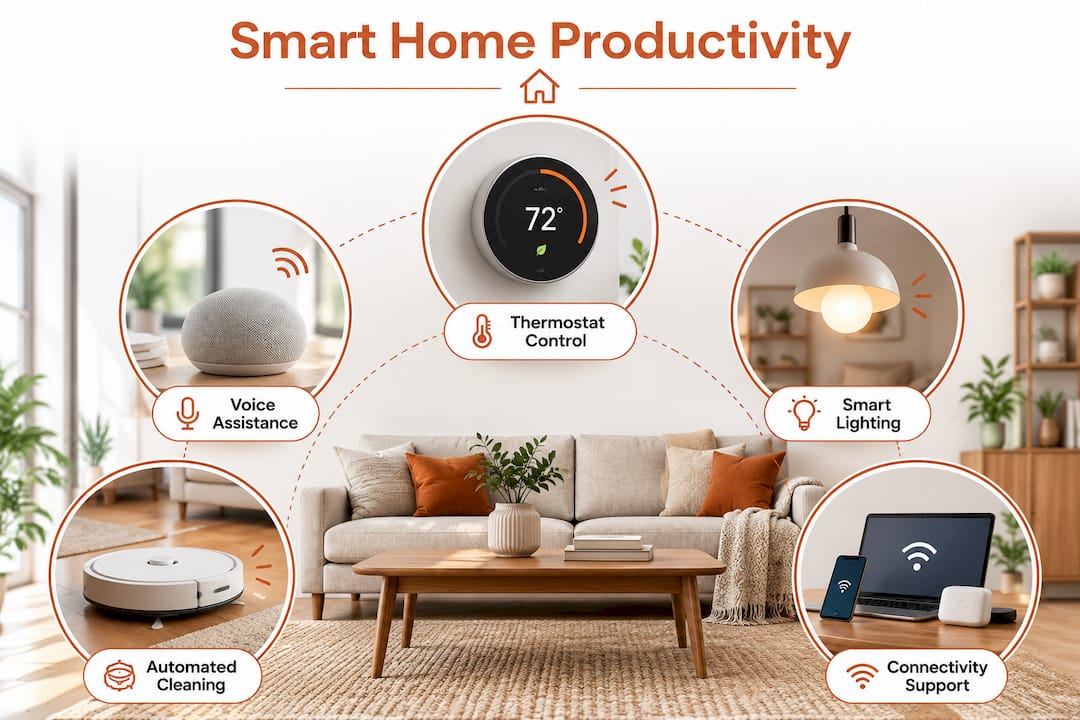
Google Nest thermostats let you lock a focus-mode setpoint that overrides your general comfort schedule the moment your work session begins. Smart thermostats save homeowners money in energy costs, often recouping their investment within a moderate payback period. That financial return is secondary to the cognitive one.
Key thermostat habits that support focus:
- Set a dedicated 68°F focus setpoint triggered by your work routine
- Release the setpoint automatically when focus mode ends
- Use room-specific smart vents if your thermostat sits in a central hallway
2. How voice assistants handle the mental overhead
Voice assistants act as a digital buffer between you and the small decisions that fragment your attention. Google Home, for example, delivers calendar briefings, captures to-do items hands-free, and controls your entire smart environment without requiring you to touch a screen or switch apps.
The real limitation is retrieval. Voice assistants capture tasks reliably but do not surface them at the right moment. The practical fix is a Home Assistant dashboard card that reads your voice-captured to-dos aloud during your morning briefing automation. That one workaround closes the gap between capturing an idea and actually acting on it.
What voice assistants handle well:
- Morning briefings covering calendar, weather, and open tasks
- Hands-free control of lights, thermostat, and smart plugs mid-session
- Timer management for Pomodoro-style focus blocks
- Reducing the urge to pick up your phone for quick checks
3. How smart lighting changes your alertness and output
Lighting has the clearest research backing of any smart home upgrade for productivity. Smart lighting improves cognitive alertness significantly and is considered a high-return upgrade for home offices.
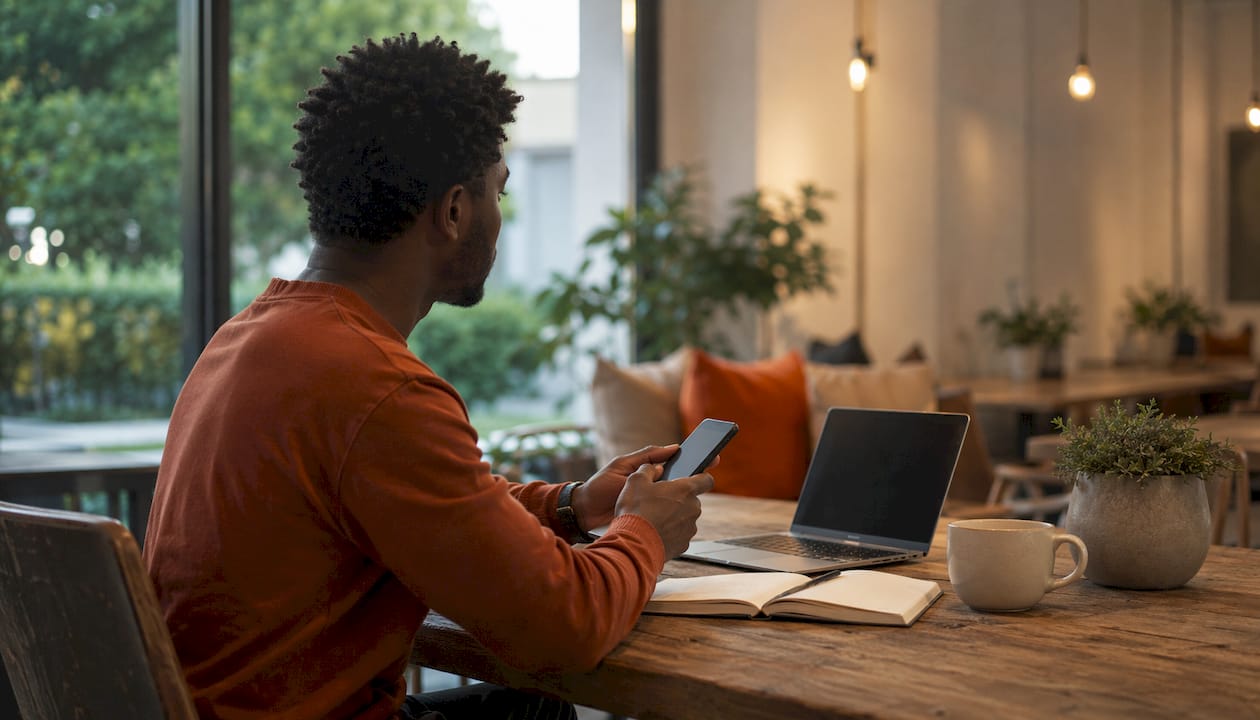
Philips Hue is the go-to choice for most home office setups because it integrates with every major smart home platform and supports tunable white light across the full color temperature range. Workers experience better concentration under tunable white light recommended for focus sessions at around 4000K. The Philips Hue “Concentrate” scene targets exactly that range.
Pro Tip: Set a gradual morning ramp from 2700K warm white to 4000K cool white over 30 minutes. It avoids the cortisol spike of an abrupt alarm and eases your brain into alert mode before your first meeting.
Lighting automation that supports your workflow:
- 4000K at 100% brightness for deep focus blocks
- Warm amber (2700K) for end-of-day wind-down
- Color-coded Pomodoro cues: one color for work, another for breaks
- Gradual morning ramp replacing harsh alarm wake-ups
4. How Roomba and smart plugs cut distractions and manage energy
A clean, quiet environment is not a luxury. It is a prerequisite for sustained focus. A Roomba robotic vacuum handles floor cleaning on a schedule that runs during your lunch break or after hours, so you never lose a work block to housekeeping.
Smart plugs like the Amazon Smart Plug add a different kind of control. During focus sessions, a smart plug on your guest router port cuts Wi-Fi access to your personal phone entirely. It is blunter than app-level blocking, and it works when willpower does not. Smart plugs also monitor energy consumption in real time, letting you identify and eliminate phantom loads that quietly inflate your electricity bill.
Practical uses for smart plugs in a home office:
- Cut guest network access during Pomodoro blocks to eliminate phone interruptions
- Power down a TV or gaming console automatically at work-start time
- Monitor per-device energy draw to reduce unnecessary standby consumption
- Automate coffee maker startup so it is ready when your morning routine begins
5. How mesh Wi-Fi and smart desks support your workspace
Reliable connectivity is the foundation everything else depends on. A dropped video call or laggy connection does not just waste minutes. It breaks concentration and raises stress. A mesh Wi-Fi system eliminates dead zones across your home, so your work laptop stays connected regardless of where you set up.
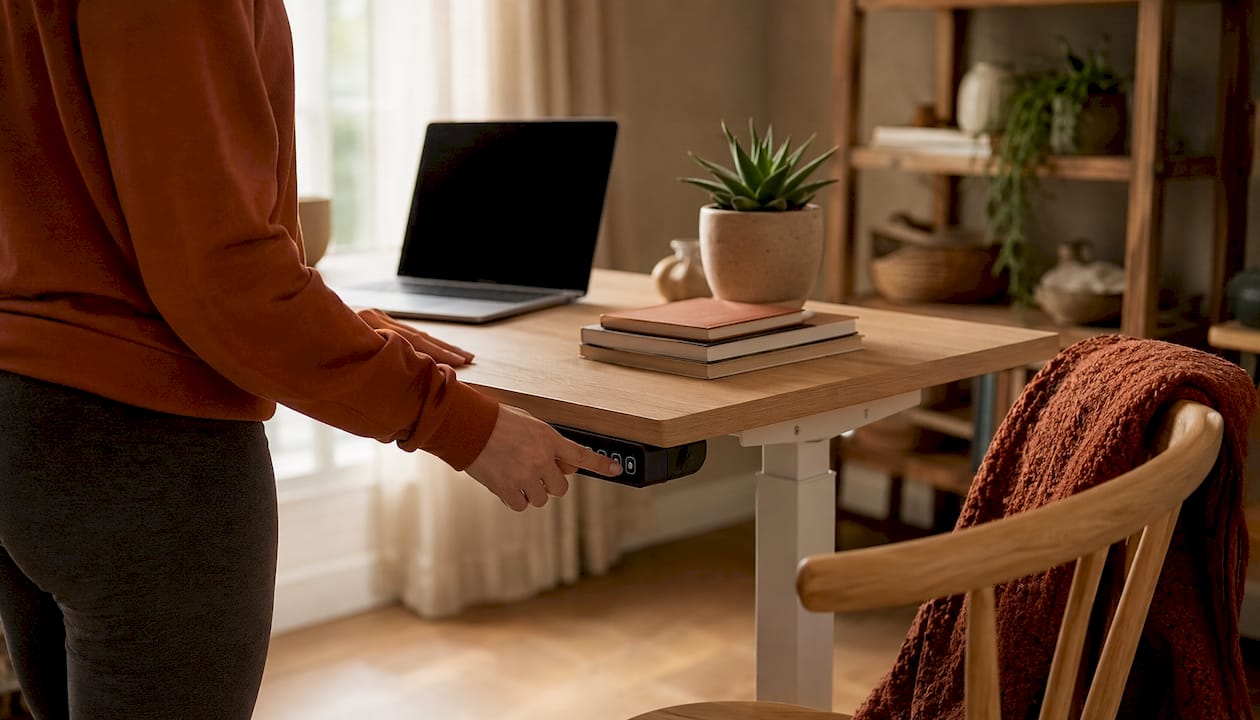
The Uplift V2 Smart Desk takes the physical side of your workspace seriously. It stores multiple height presets so you can shift between sitting and standing without any manual adjustment. Research consistently links prolonged sitting to physical fatigue and reduced cognitive performance, and a desk that removes the friction of changing positions makes standing breaks actually happen. Pair it with a well-designed home office aesthetic and the environment itself starts working in your favor.
Noise-cancelling headphones like the Beats Studio Pro add another layer. They signal to your brain that focus time has started, reduce ambient noise without requiring a separate automation, and pair with your smart home ecosystem for volume control during calls.
6. How to build a focus mode that runs itself
The most productive smart home setups work like a silent executive assistant: one trigger, multiple coordinated actions. A single button press or NFC tap can simultaneously set your thermostat to 68°F, shift lights to 4000K, silence smart speakers, and flip a door indicator to red.
Firms that combine automation with digital collaboration tools experience significantly higher labor productivity growth than those using isolated devices. The same principle applies at home. A focus mode automation that costs under $30 in hardware can reduce interruptions and improve sustained concentration across your entire workday.
Pro Tip: Set your smart speaker volume to zero during focused work blocks. It silences unprompted announcements while keeping voice commands fully functional.
Compatibility is the most common friction point. Devices from different ecosystems often do not communicate natively. Home Assistant solves this by acting as a local hub that connects Philips Hue, Google Nest, smart plugs, and presence sensors under one automation layer. For presence detection, mmWave sensors outperform standard PIR motion sensors because they detect micro-movements like breathing, keeping focus mode active even when you are sitting completely still.
Combined, these automations recover substantial focused time per week, leading to meaningful productivity gains over a year.
At Couchanddumbells, we believe your home should support every part of your life, including how you work. Explore our curated home and interior collection to find smart devices, furnishings, and accessories designed to help you build a workspace that feels as good as it performs.
Key Takeaways
Smart home devices boost productivity most when they work together as an integrated system rather than as isolated gadgets.
| Point | Details |
|---|---|
| Temperature and focus | Set a 68°F focus-mode thermostat setpoint to reduce typing errors and sustain cognitive performance. |
| Lighting and alertness | Smart lighting at 4000K improves cognitive alertness significantly and is considered a high-return upgrade for home offices. |
| Distraction control | A smart plug cutting guest Wi-Fi during focus blocks can eliminate a large majority of phone-driven interruptions. |
| Integration multiplies gains | Combining automation, lighting, and climate control recovers significant focused time per week, leading to meaningful productivity gains over a year. |
| Environment mastery matters | Perceived productivity in smart home offices depends on control over environmental conditions and service relevance. |
FAQ
What are the main benefits of smart home devices for productivity?
Smart home devices automate environmental adjustments like lighting, temperature, and network access, removing the micro-decisions that drain mental energy throughout the day. Remote workers who use integrated setups recover significant hours per year that would otherwise be lost to friction-based interruptions and manual adjustments.
What is the primary function of a smart home device in a work setting?
The primary function is environment control: adjusting lighting, climate, and connectivity to match your current task without requiring manual input. Devices like Google Nest, Philips Hue, and smart plugs work together to create conditions where focused work happens more naturally.
Do smart home devices actually improve focus, or is it just convenience?
The improvement is measurable. Cool white light at around 4000K improves alertness and reduces errors during cognitive tasks compared to warm 2700K light, and environment mastery correlates directly with perceived productivity in remote work settings.
What are the downsides of smart home automation for productivity?
Compatibility between devices from different ecosystems is the biggest challenge. Devices often require a hub like Home Assistant to communicate reliably. Automations also cannot fix unclear priorities or a genuinely noisy household. They remove low-level friction; the deeper work habits still depend on you.
How do smart home devices support work-life balance?
An end-of-day shutdown routine, lights shifting from cool office white to warm living-room amber, signals your brain that work is over. Workers who psychologically detach from work in the evening report higher next-morning energy and better performance, and a physical lighting cue creates that boundary more reliably than willpower alone.